How to check your cash operations statement
 Mobile app
-
Log in to the mobile app.
-
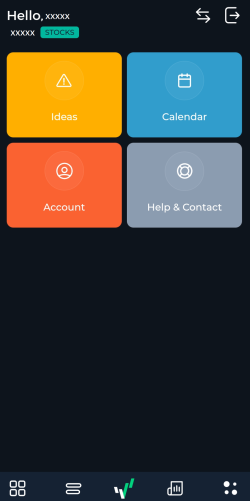
Tap on the four dots icon at the bottom.
-
Tap on Account.
-
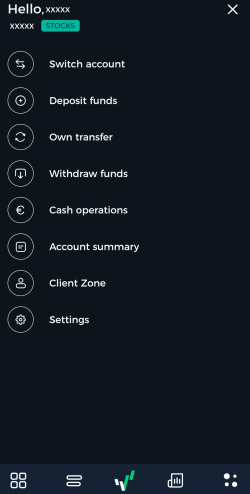
Tap on Cash operations.
-
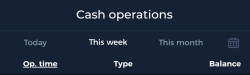
Select between Today, This week and This month. You can also click on the calendar icon to select your desired period.
MetaTrader 5
You can check your cash operations in MetaTrader 5 (MT5) by downloading a trade report. To do that, refer to this topic.